Milk, size and shots
Option groups with minimum and maximum picks. Each option has its own extra price.
Milk, size and extra shots are options with your own prices. Stock is counted in ml. Takings by hour show when you need a second barista. Runs on the tablet already on your counter.
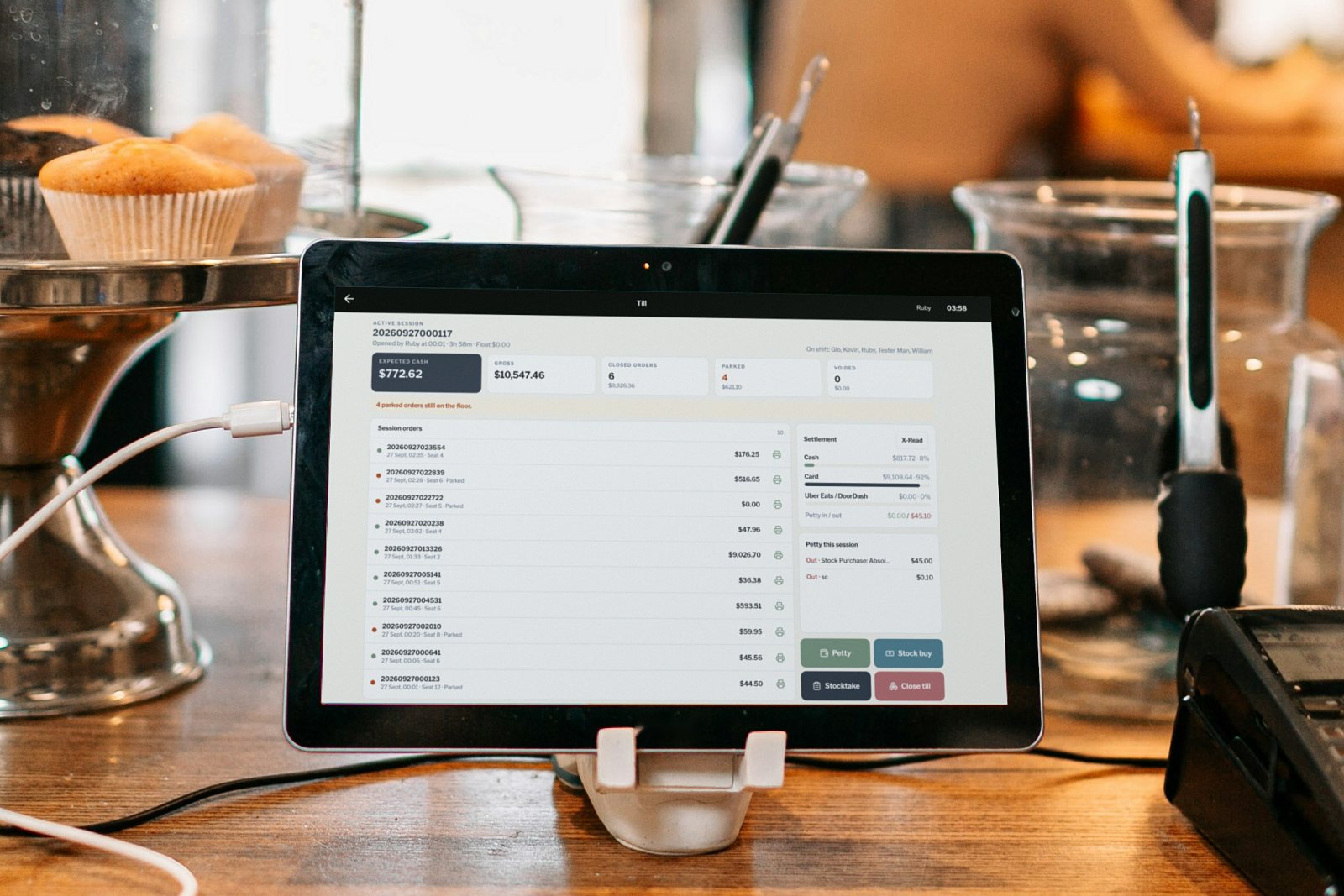
Take a coffee order with every option in a few taps, charge the right extras and show when your rush really hits.
In Live, milk, size and shots are option groups. Each has its own extra price and stock quantity, so oat milk adds its charge and comes off your oat milk stock. Name spots on your floor plan, like Counter 1 or Window 2, and park each order on a spot until it’s collected.
One weekday in a café, in order.
6:30 am
Count the float in. Sign in with your own PIN.
7:15 am
A large oat flat white with an extra shot: tap the coffee, pick size, milk and shot. The extras are priced for you.
9:00 am
Tap a table on the floor plan, add food and coffees, and park the order until they’re ready to pay.
11:30 am
Record an Uber Eats or DoorDash order with the delivery button. See the variance against your menu total.
1:30 pm
Book it in with Stock buy at the till: items, pack quantity, price and a photo of the invoice.
3:00 pm
Close the till against your card settlement. On Standard, takings by hour show when the rush peaks.
The ones cafés use most.
Option groups with minimum and maximum picks. Each option has its own extra price.
Milk, beans and syrups counted in ml or grams, taken off by recipe on every sale.
Name areas and tables your way, like Counter, Window or Courtyard.
See your busiest hours, top products and payment mix on the dashboard (Standard).
Member tiers with their own discounts. Find members at the till by barcode (Standard).
Membership POSA set price or a discount on chosen items between the times you pick (Standard).
Scheduled specialsSmall cafés start on Floor. Cafés with regulars and specials need Standard.
One counter and one register: orders with options, tables, payments and till close.
Up to 4 registers, plus members, afternoon specials, rostering, stock and takings by hour.
Standard plus tips, petty cash and drivers, per venue. For café groups.
GST included. Billed monthly: Floor $49, Standard $95, Multi-venue $149 per venue a month. Compare plans
Yes. Each option has its own extra price and can take its own stock off. An extra shot or plant milk is charged and counted.
Set up a Counter area on your floor plan with named spots. Park each order on a spot until it’s collected and paid.
Yes, from Standard. Create your own member tiers with their own discounts, sign regulars up at the till and find them by barcode.
Yes. Live runs in the browser on any tablet or computer. We connect your receipt printer during free setup.
Book a demo and upload your menu. We’ll set it up with your own coffees and options.